


Visual Effects
Every season has its own set of particle effects: ambient weather, footprints, and bursts when you hit props. The big ambient ones have 8 switches under Visual Effects in the pack settings, so you can keep the ones you love and drop the rest.
- Off
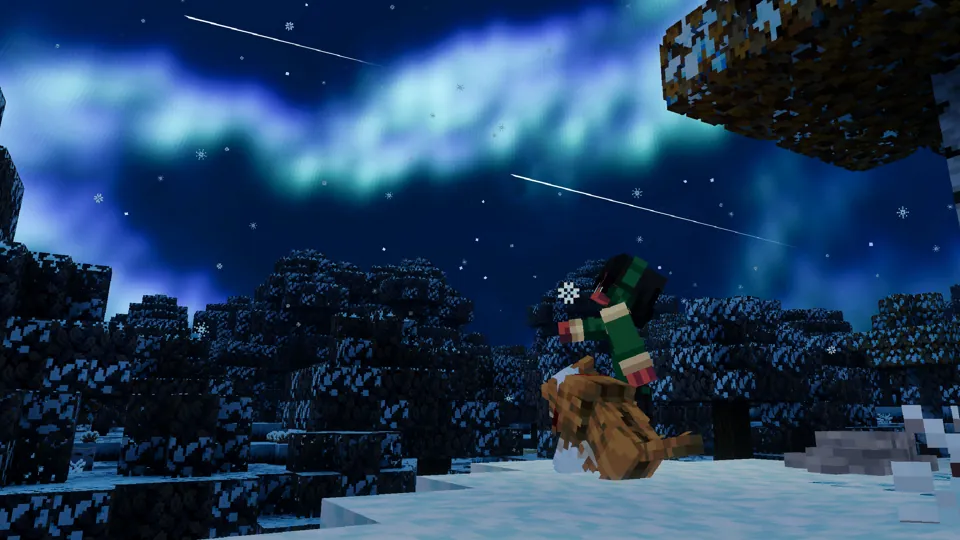
Northern Lights
DemandingAuroras ripple across the winter night sky twice a night, at about 7:00 PM and 9:30 PM in-game. Off by default: it is the most demanding effect in the pack.
- On
Blowing Snow
Drifting snow streams sweep along the ground at set times of day.
- On
Snowstorms
Extra snow and haze whenever winter weather rolls in.
- On
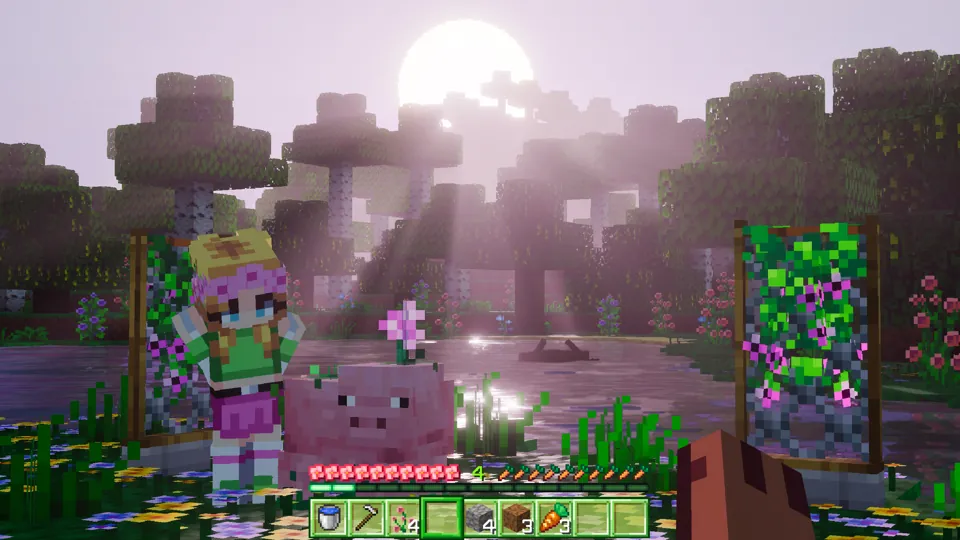
Footprints
Footprints pressed into snow behind you as you walk.

- On
Flying Birds
Flocks of birds pass overhead in short windows throughout the day.
- On
Enhanced Rain
Heavier rain with mist and wind whenever it storms.
- On
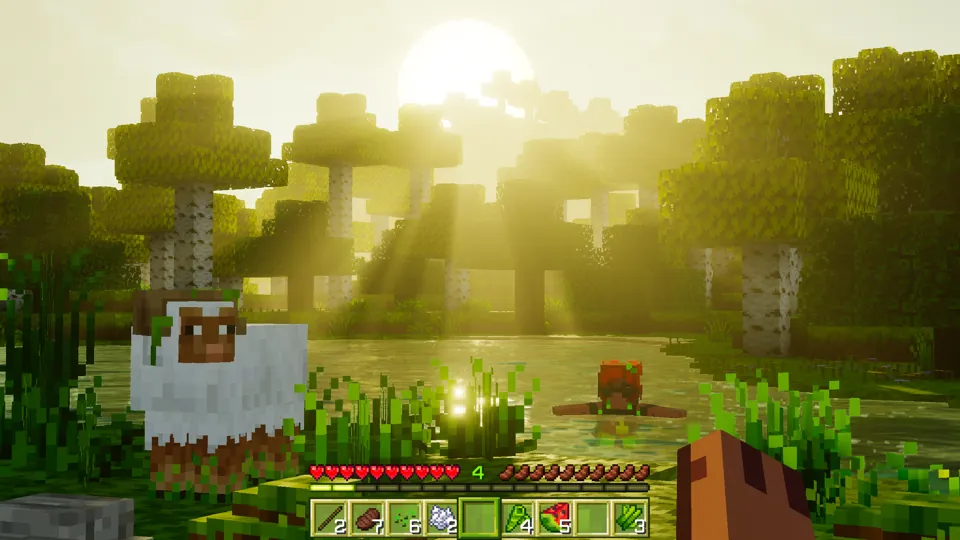
Footprints
Muddy footprint trails on wet spring ground.

- On
Desert Haze
Dust and drifting heat haze, only in desert biomes.
- On
Footprints
Footprint trails as you walk.

- On
Fireflies
Glowing fireflies and their buzz drift around you at night.
- On
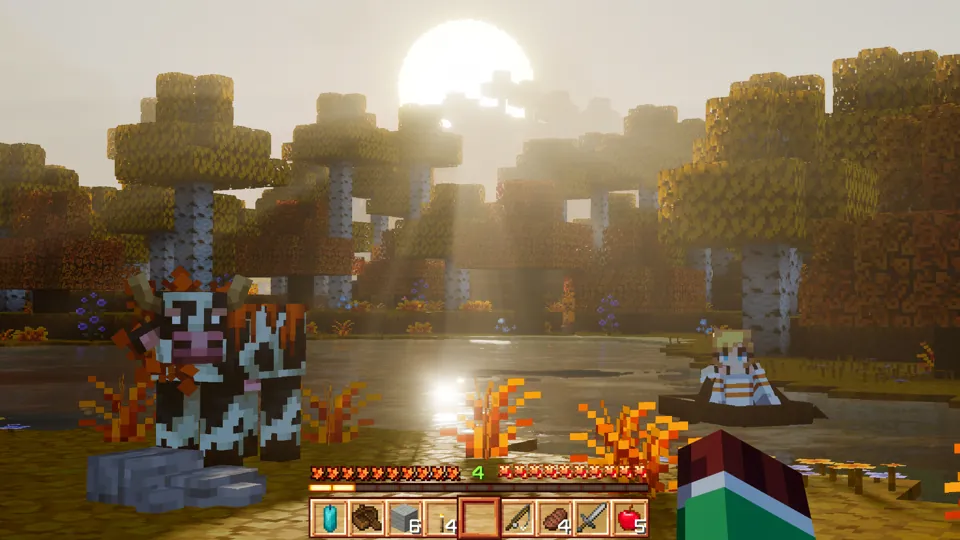
Footprints
Footprint trails through the leaf litter.

Northern Lights starts off because it is the heaviest effect in the pack. Footprints is one switch shared by every season.
When the aurora appears
In Winter, the Northern Lights roll in twice a night: once just after sunset and again later in the evening. Each show drifts across the sky for about two and a half minutes.
- First show
- About 7:00 PM
- Ticks 12960-13200
- Second show
- About 9:30 PM
- Ticks 15360-15600
Want to see it now? With cheats on, jump straight to either show:
Needs the Winter season and the Northern Lights toggle switched on in the pack settings (it starts off).
See the active season on screen
Turn on the days-played gamerule and the HUD shows your day count plus the active season's icon. Paste this into chat in any world with cheats on:
Or switch on "Show Days Played" in the world's game settings.