



Apply it once. Change seasons any time.
Seasons Realism+ is a resource pack, so every world you play picks up the active season.
- 1
Activate it in Global Resources
Settings > Global Resources > Seasons Realism+ > Activate. This is the best way to apply the pack.
- 2
Tap the settings cog
The gear next to Deactivate opens the Seasons Realism+ settings.
- 3
Drag the slider to a season
Winter, Spring, Summer, or Fall. Effect toggles sit just below it.
Select which season you want active by dragging the slider to the desired season.
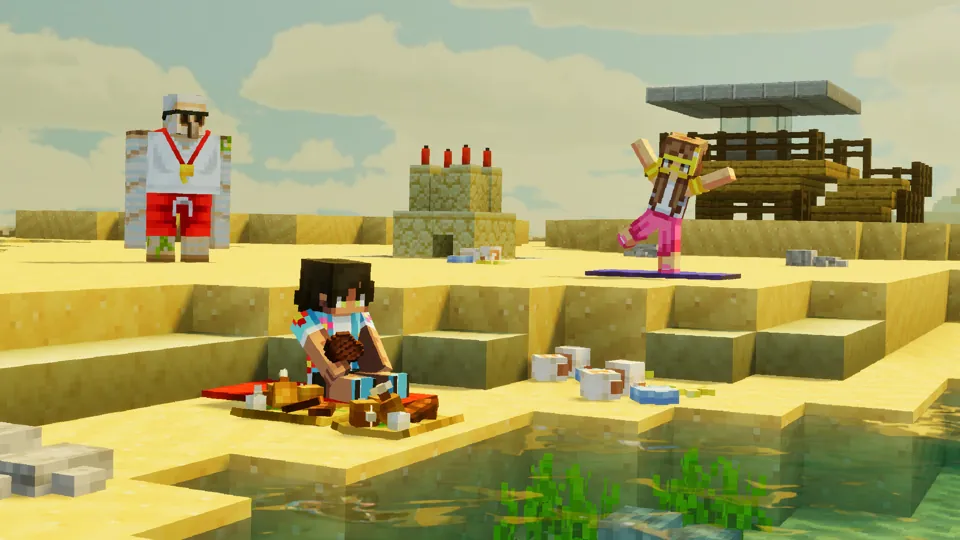
Four seasons, one resource pack.
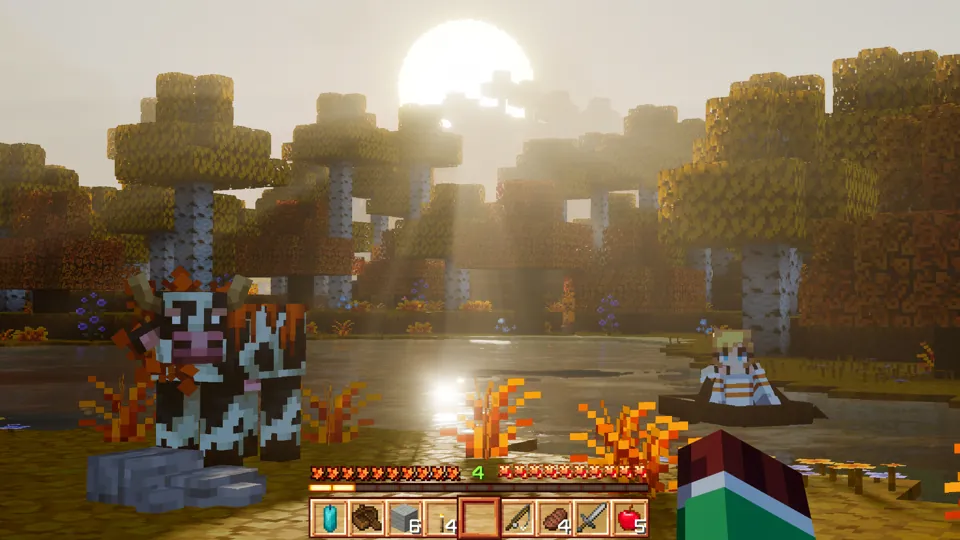
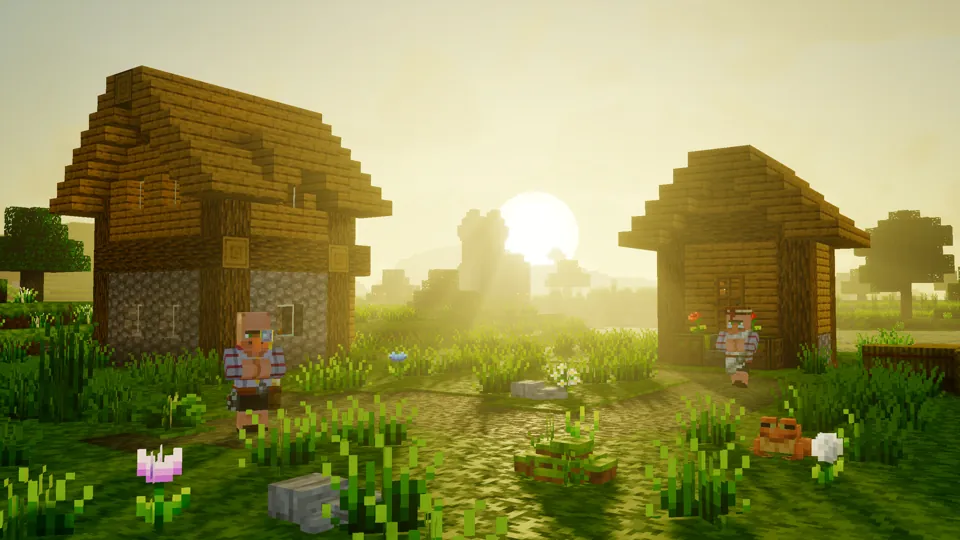
New foliage, block, and mob textures for every season, matched with its own color grading, fog, sky, and water, plus seasonal props and ambient effects.
Pick your season.
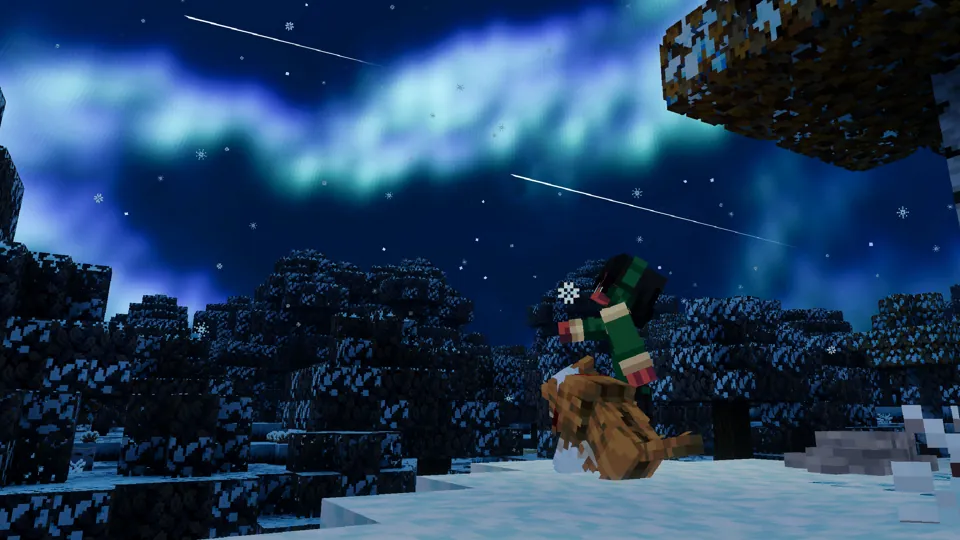

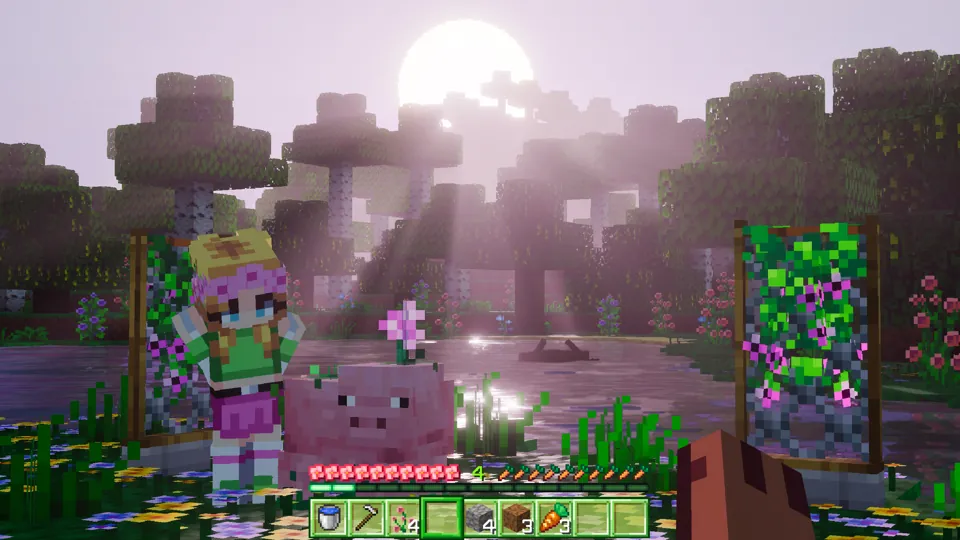
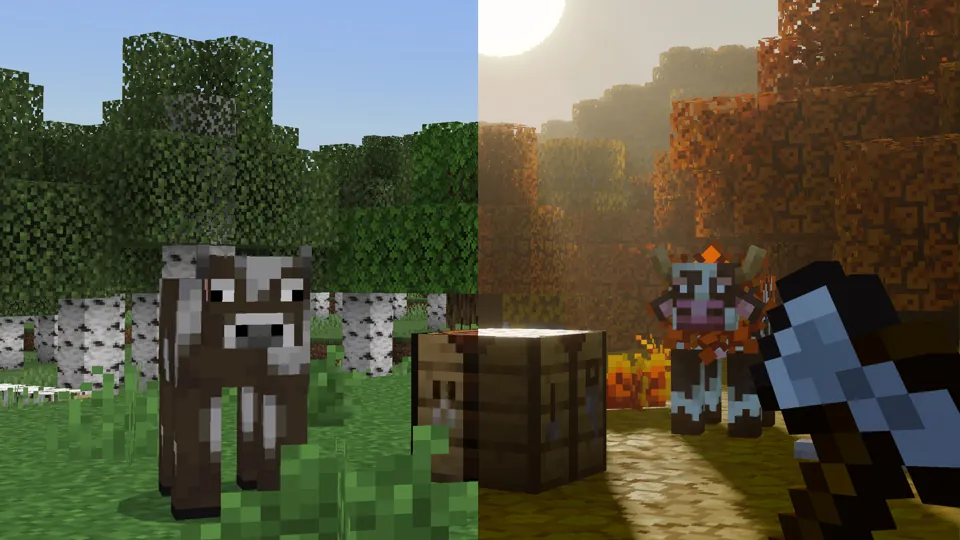
Vanilla on the left. Seasons on the right.
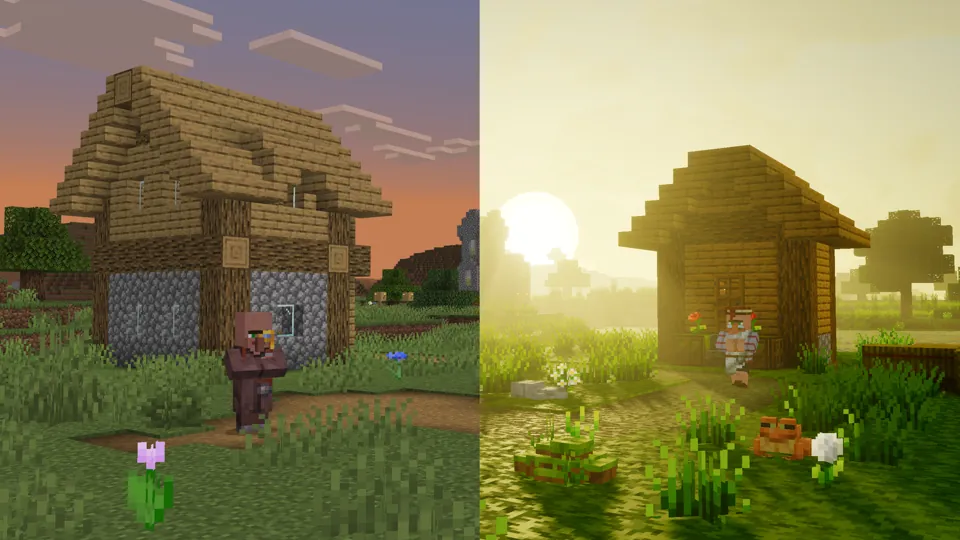

Seasons Realism+
Winter, Spring, Summer, and Fall in one resource pack, with seasonal textures, lighting, props, mob makeovers, and ambient effects you can toggle.

Available October 20, 10 AM PDT.
Everything hidden in the pack.
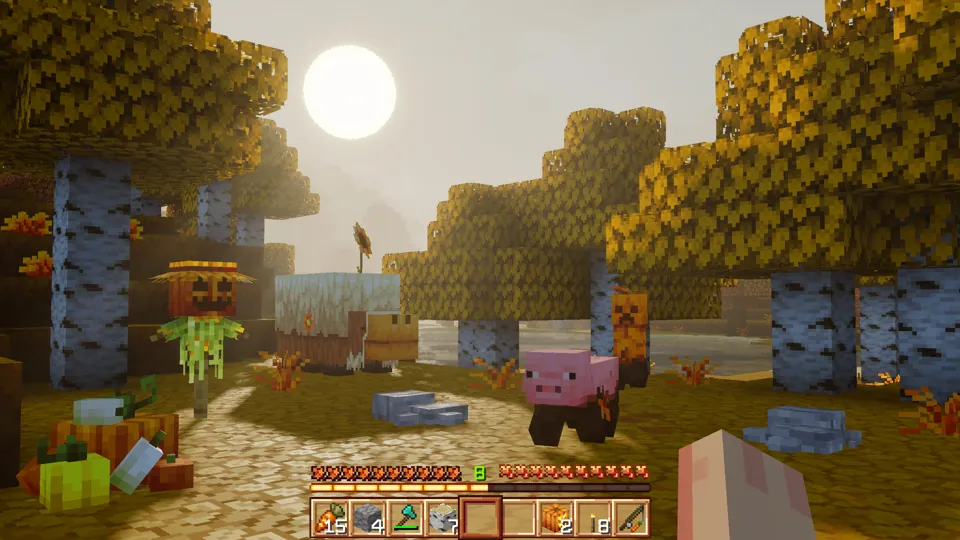




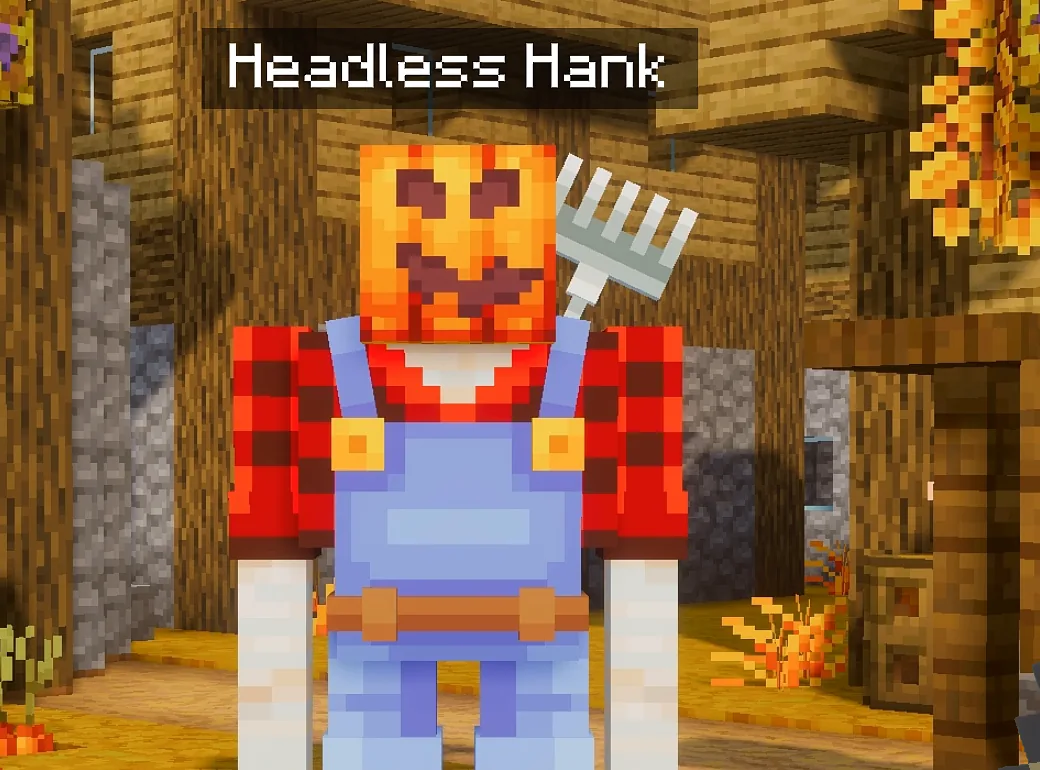
Questions, answered.
Does it require Vibrant Visuals?
Yes. The pack's lighting, fog, water, and materials only render in the Vibrant Visuals graphics mode. Turn it on under Settings > Video > Graphics Mode. See Performance & Devices for supported hardware.
How do I change seasons?
Open Settings > Global Resources, tap the settings cog next to Seasons Realism+, and drag the slider to Winter, Spring, Summer, or Fall.
Do seasons change automatically?
No. You pick the season yourself from the slider in the pack settings, so you have total control over how long each season stays.
Does it work on Nintendo Switch?
The native Nintendo Switch 2 edition of Minecraft arrives October 27, 2026 with Vibrant Visuals on by default. The original Switch doesn't support Vibrant Visuals.
Will it lag on my device?
If your device supports Vibrant Visuals, it can run the pack. Northern Lights is off by default, and every other effect has its own switch. The performance guide has settings per device.
Does it change gameplay?
No. It's a resource pack, so it only changes how the game looks and sounds. Props are Armor Stands in disguise, and mob makeovers are name-tag skins.
What languages are supported?
Pack settings, season names, and in-game text are translated into 14 languages: English (US), English (UK), German, French, French (Canada), Spanish (Spain), Spanish (Mexico), Portuguese (Portugal), Portuguese (Brazil), Polish, Russian, Turkish, Chinese (Simplified), Chinese (Traditional).
How much does it cost?
990 Minecoins on the Minecraft Marketplace.
Where do I get help or report a bug?
Join the 5 Frame Studios Discord for support, bug reports, and update news.